

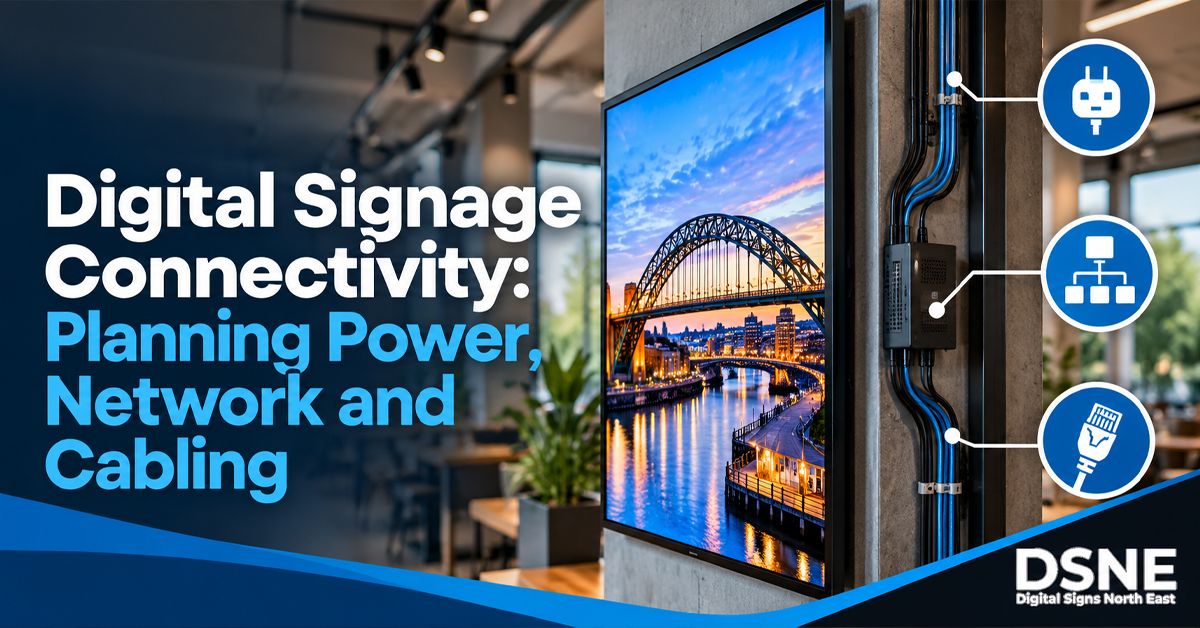
Reliable digital signage depends on more than the screen. Power, network connectivity, media players, content systems and physical cable routes all need to work together. Planning those connections before installation can prevent awkward cabling, inaccessible equipment and avoidable downtime later.
Map every connection before the screen is mounted
Start by listing what each display needs. A simple screen may only need power and a network connection, while other installations may use a separate media player, HDMI source, USB device or local control equipment.
- Power outlet location
- Wired or wireless network access
- Media player position
- HDMI or other signal cabling
- Access for maintenance and resets
- Ventilation around equipment
Decide between wired and wireless networking
Wi-Fi can be convenient, but signal strength varies with distance, building materials, interference and where the display is mounted. Ethernet can provide a consistent fixed connection where suitable cabling is available.
The right choice depends on the site. A screen mounted in a reception area has different constraints from a window-facing display or a bank of menu boards behind a counter.
Do not hide equipment where nobody can reach it
A neat installation should still be serviceable. Media players and network hardware may need restarting, replacing or checking. Packing equipment into an inaccessible void can turn a small maintenance task into a larger job.
Our digital signage maintenance checklist covers practical checks for cleaning, airflow, mounting, power and connectivity.
Plan cable routes with screen placement
Cable planning should happen at the same time as deciding screen height, viewing angle and location. Power leads and signal cables should not be stretched across walkways or left hanging where they can be pulled.
For more installation considerations, see our digital signage screen placement guide.
Consider brightness and location together
Connectivity is only one part of specifying a display. A screen that receives strong daylight may need a different brightness level from one used deeper inside a building. That decision should be made before hardware is selected.
Our guide to choosing digital signage screen brightness explains the main factors for indoor, window-facing and outdoor locations.
Allow for future content changes
Businesses often change promotions, menus, opening information and campaigns. The installation should support the intended content workflow without requiring someone to physically dismantle the display every time an update is needed.
That means thinking about how content will reach the screen, who will manage it and what happens if the network connection is temporarily unavailable.
Test the complete setup before sign-off
Once installed, test the screen as a complete system rather than checking the display panel alone. Confirm that content loads correctly, network access is stable, the media source recovers after a restart and cables remain secure.
From our experience at Digital Signs North East
Digital Signs North East works with commercial-grade LCD and LED display technology across applications including advertising, internal communications, digital menu boards and customer-facing displays. In practice, planning power, connectivity, equipment access and cable routes alongside the screen position helps create a cleaner installation that is easier to maintain.
For businesses planning a new installation, Digital Signs North East also offers a free site survey to review the location and practical requirements before equipment is fitted.
Plan digital signage as a complete AV system
A professional digital signage installation brings together the display, mounting, power, connectivity, content source and maintenance access. Treating these as one system produces a cleaner installation and makes ongoing support easier.
Digital Signs North East supplies and installs commercial display solutions for businesses across the North East. If you are planning new screens, menu boards or customer-facing displays, contact the team to discuss the location, connectivity and installation requirements before hardware is fitted.