

Digital signage is often installed to run for long periods, but reliable performance still depends on regular checks. A simple digital signage maintenance checklist can help businesses spot small issues before they turn into blank screens, unreadable content or avoidable disruption.
Maintenance is not only about the display itself. Content, connectivity, ventilation, mounting, power and the surrounding environment all affect how well a signage system performs.
Check the screen is displaying the right content
Start with the obvious: confirm the screen is on, showing the intended playlist and displaying current information. Old promotions, expired dates and incorrect prices can be just as damaging as a technical fault.
- Check the correct playlist is running.
- Remove expired promotions and outdated messages.
- Confirm text remains readable from the normal viewing position.
- Look for stretched, cropped or low-resolution media.
Our guide to digital signage content planning explains how viewing distance, dwell time and calls to action should influence what appears on screen.
Inspect the display surface
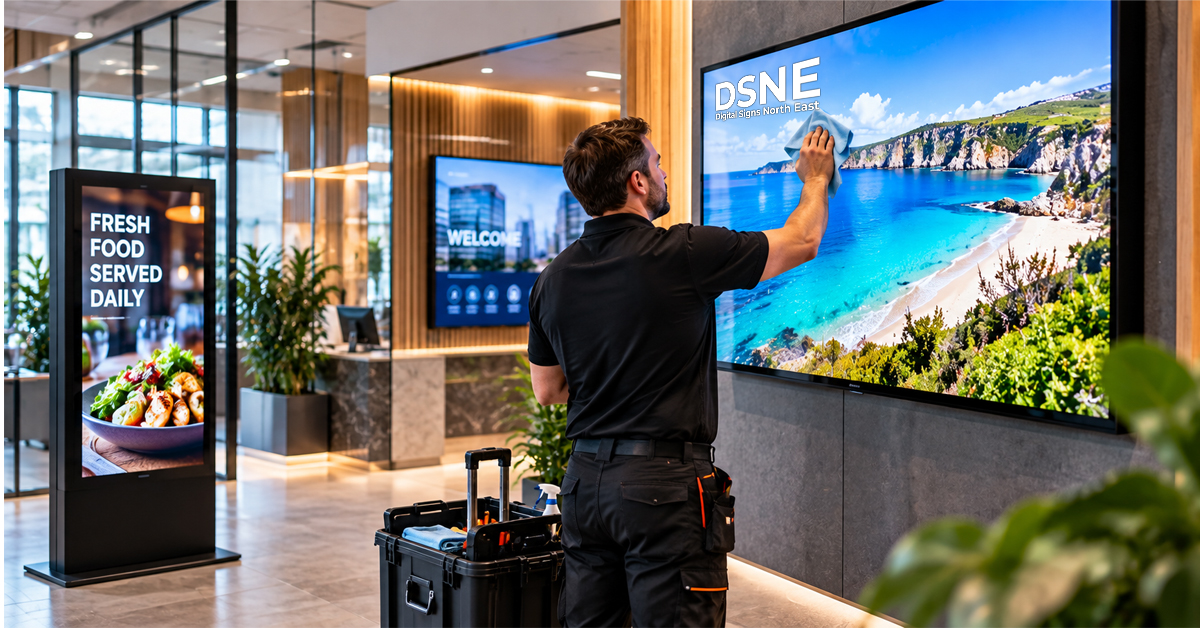
Dust, fingerprints and marks reduce clarity, particularly on screens close to customers. Clean the display using the method recommended by the manufacturer and avoid spraying liquid directly onto the panel.
While cleaning, look for physical damage, unusual dark areas or image problems. If a screen starts behaving differently, record what you see before power cycling or changing settings.
Check ventilation and surrounding heat
Commercial displays need suitable airflow. Make sure ventilation openings are not blocked by décor, menus, shelving or accumulated dust. Heat can build up when a display is boxed into a tight recess without enough space around it.
If the installation environment has changed since the screen was fitted, review whether airflow is still adequate.
Review brightness for the current environment
Lighting conditions change through the year. A screen that looked bright enough in winter may struggle against stronger daylight, especially near windows.
Our guide to choosing digital signage screen brightness explains why placement, daylight and glare need to be considered together.
Check mounts, brackets and screen position
Look for any obvious movement, loose trim or changes around the mounting area. Do not attempt to adjust a heavy commercial display unless the installation method and safe handling requirements are understood.
Screen position also affects visibility and accessibility. If furniture, counters or customer routes have changed, the original placement may no longer be ideal. See our digital signage screen placement guide for planning considerations.
Confirm power and connectivity
Intermittent power or network problems can create faults that appear to be screen issues. Check that plugs, network connections and media players are secure and that cables are not being pulled, crushed or repeatedly disturbed.
If the signage depends on a network connection for content updates, confirm the device is still online and receiving changes as expected.
Test scheduled content changes
Businesses that use different content by time of day should periodically check the transitions. This is especially useful for hospitality menu boards, promotional screens and displays that switch between opening-hours messages.
Test a scheduled change rather than assuming it will happen. A quick check can reveal incorrect device time, an outdated playlist or a publishing problem.
Keep a simple fault record
If the same screen repeatedly goes offline, restarts or loses connectivity, keep a short record of when it happens and what was displayed at the time. Patterns make diagnosis easier than isolated reports such as “the screen went blank again”.
- Date and time of the issue
- Screen or location affected
- What appeared on screen
- Whether other screens were affected
- Any recent content or network changes
Plan maintenance around the business
Checks are easier when they become part of a routine. High-traffic locations may need more frequent cleaning and visual inspection, while content-heavy installations benefit from regular playlist reviews.
For digital menu boards, window displays and commercial screens, planned maintenance helps keep the installation presentable and useful to customers.
From our experience at Digital Signs North East
Digital Signs North East supplies commercial-grade LCD and LED display solutions for advertising and internal communications, including digital menu boards, touch screens, freestanding digital posters and outdoor signage. Regular checks around content, ventilation, brightness, power and connectivity can help keep these systems useful and presentable in day-to-day business use.
If an existing installation is no longer performing as expected, reviewing the screen environment and setup can help identify whether the issue relates to the display, positioning, content or connectivity.
Need help with a digital signage installation?
Digital Signs North East provides digital signage and commercial display solutions for businesses across the North East. If you are planning a new installation or reviewing an existing screen setup, get in touch to discuss the display, placement and installation requirements.