
Choosing digital signage for a bright shop window or busy reception? Screen brightness, reflections and viewing angles can decide whether visitors notice your message. This UK guide explains how to plan a display that remains readable in its real setting.
Why screen position matters more than size alone
A large display will not help customers if reflections make the content difficult to read. Before choosing a screen for a shop, reception or hospitality venue, consider where people will stand, how far away they will be and what light reaches the display. A good installation begins with the viewing environment, not a specification sheet. The right position can make an existing content plan far more effective.
Map daylight across the day
A screen that looks clear at 9am may be washed out by afternoon sun. Observe the proposed location at different times, including when sunlight passes through glazing or strikes polished surfaces. South- and west-facing windows can create particular challenges, although nearby buildings and shading change the result. Note where customers approach from and whether the screen is viewed through glass or from inside the premises.
Understand brightness without chasing a single number
Display brightness is commonly measured in nits, but a higher figure is not automatically the best choice. Indoor reception screens, shop-window displays and outdoor-facing installations have different needs. Ambient light, reflections, contrast, viewing distance and content design all affect readability. Ask the supplier to recommend a display for the actual environment, rather than assuming a standard domestic television will perform well in a bright window.
Reduce glare through placement
Before committing to fixings, check whether the screen faces windows, ceiling lights or shiny flooring. Adjusting the angle or moving the display slightly can reduce troublesome reflections. Consider the viewing height and whether people will see it while walking or standing. Avoid placing important information where a door frame, pillar or display stand blocks the view. A quick on-site viewing test is often worth more than an elaborate mock-up.
Use content that survives difficult lighting
Small pale text on a busy photograph can be difficult to read, especially through a window. Choose strong contrast, generous font sizes and short messages. Keep key information away from the extreme edges of the display and allow each slide enough time to be understood. Test the real content at the expected viewing distance. Colourful graphics can attract attention, but clarity should come first.
Consider orientation and mounting
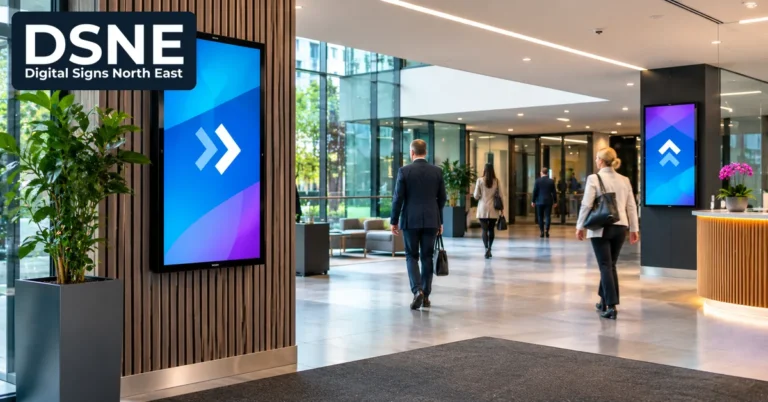
Portrait screens can suit narrow window bays and wayfinding messages, while landscape displays work well for menus, schedules and wider visual content. The best orientation depends on the message and the space. Check that the chosen commercial display supports the intended mounting orientation. Brackets, fixings, ventilation clearances and access for maintenance should all be planned before installation.
Account for heat and ventilation
Bright windows can become hot, particularly when direct sunlight falls on the display enclosure. A screen must be suitable for the operating environment, with the ventilation and clearances specified by its manufacturer. Avoid boxing a display into a sealed space without an appropriate thermal design. If the screen is exposed to outdoor conditions, weather protection and the correct equipment rating are essential.
Plan power, connectivity and content updates
A digital sign needs a reliable power supply and a practical way to receive its content. Depending on the system, that may involve a built-in player, external media player, wired network or Wi-Fi connection. Confirm who will update the messages and how often. Leave suitable access for servicing, and route cables safely rather than relying on a visually tidy but inaccessible installation.
Check accessibility and customer flow
Digital signage should support visitors, not create an obstacle. Position displays so they do not block circulation routes, doors or essential notices. Use readable text and sensible contrast, and consider viewers with different heights and visual needs. Important safety or accessibility information should not depend solely on a rapidly changing slide. Where a display provides wayfinding, make the direction unmistakable.
Test in the real environment before handover
Inspect the screen when the premises are busy and in the lighting conditions most likely to challenge visibility. Walk the routes customers take, check the content from realistic distances and confirm that reflections do not obscure key messages. Test the schedule, player connection, restart behaviour and any remote content-management arrangements. Record a straightforward process for reporting faults and changing content.
Bring the installation and content together
Our digital signage guide for fashion retailers explores shop-window and promotional uses. For indoor visitor spaces, see the reception area signage guide and reception content ideas. Digital Signs North East can help businesses consider screen placement, installation and practical display requirements. A successful screen is one people can see, understand and maintain.
Review after installation
Once the display is live, revisit it at different times of day and ask staff whether customers notice and understand the messages. Seasonal daylight changes may reveal issues not visible during commissioning. Update content when promotions, services or opening arrangements change. Regular review helps ensure the investment continues to serve a real business purpose rather than becoming background decoration.