
Why gyms need a clear screen strategy
A gym or leisure centre communicates with several audiences at once: members arriving for a workout, people waiting for a class, visitors asking about facilities and staff managing a busy timetable. Digital signage can make those messages easier to see without covering reception desks in printed notices. The key is to choose useful information and place it where members naturally look. A screen that simply loops generic adverts will quickly become background noise.
Start at reception with practical information
Reception is a natural location for welcome messages, opening information, membership enquiries and notices about facilities. Keep the most important message visible long enough to read while someone checks in. A portrait screen can suit a narrow reception wall, while a landscape display may work better above a counter. Avoid filling the screen with detailed terms and conditions; use a short message and direct people to a staff member or website for full information.
Make class timetables easy to scan
Class schedules are one of the most useful applications. Display the class name, start time, studio and any booking instruction in a consistent format. If schedules change during the day, assign someone responsibility for keeping the screen accurate. Do not publish a class as available if bookings are full unless the screen clearly explains the position. Where several sessions start close together, show the next few rather than a tiny, crowded all-day table.
Support new members with simple guidance
New visitors often need help finding changing rooms, studios, lockers or accessible routes. A screen can reinforce clear physical wayfinding with simple directions and facility information. Place the message near the point where a decision is made, not on a screen hidden around a corner. Use high contrast and large text, and remember that a digital display should supplement rather than replace essential safety or accessibility signage. See our digital wayfinding planning guide for more detail.
Promote services without overwhelming members
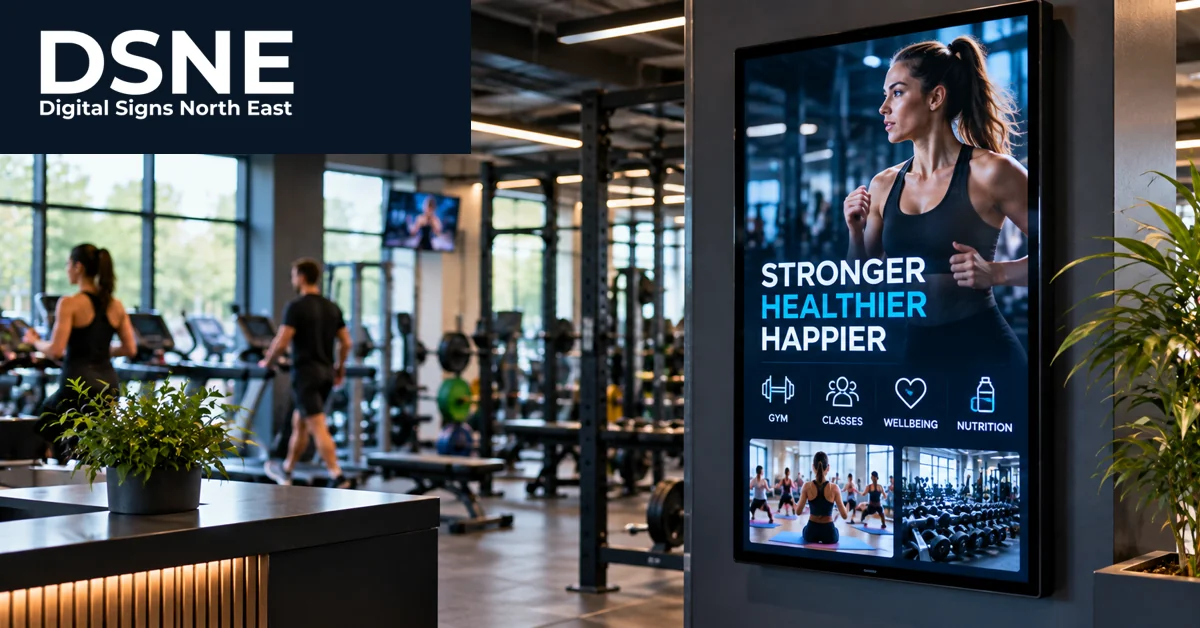
Personal training sessions, beginner classes, swimming lessons and seasonal membership offers can all be promoted on screen. The most effective creative usually has one clear offer, a relevant image and an obvious next step. Avoid switching between promotions too quickly or using distracting animation beside exercise areas. If a price, deadline or availability claim appears, check it before publication and remove expired promotions promptly. Consistent presentation makes the venue look organised and professional.
Choose screen positions for real viewing conditions
A bright entrance with large windows creates different viewing conditions from an interior corridor. Consider glare, viewing distance, mounting height and whether the screen will be visible when people gather around reception. A commercial display intended for extended operating hours may be more suitable than a domestic television, depending on usage. In exercise areas, screens should be positioned securely and away from impact risks, moisture and routes used for moving equipment.
Use content schedules that match the day
The same message need not run all day. Early mornings may suit upcoming class reminders, afternoons may focus on quieter sessions and evenings may highlight tomorrow’s timetable. Plan the playlist around the venue’s actual routine rather than guessing what members want. Our digital signage content scheduling guide explains how timed messages can keep information relevant without constant manual changes.
Keep motion calm and legible
Movement can draw attention, but fast transitions and flashing effects can distract from the message and may be uncomfortable for some viewers. Use restrained animation, strong contrast and text that remains on screen long enough to read. A photograph of the facility or a class can provide more context than a busy background. For guidance on readable text at different distances, see our digital signage text-size guide.
Plan who updates the screens
A useful signage system needs an owner. Decide who can edit the timetable, approve offers and respond when a class is cancelled. Keep a short content checklist that covers spelling, dates, prices, accessibility and the correct location for each message. If the network fails, some systems can continue showing cached content, but behaviour varies by product and configuration. Test the fallback plan before relying on it. Outdated class information is often more frustrating than no screen at all.
Measure whether the screens help
Judge success by practical outcomes rather than the number of slides produced. Reception staff may receive fewer repeated timetable questions, members may find studios more easily and promotions may generate clearer enquiries. Ask staff which questions are still being asked and adjust the content accordingly. A sensible first phase could involve one reception screen with a carefully planned playlist. Expand to studios or other areas once the team has a reliable process for keeping information accurate.