

Buying the right commercial display is only half the job. What appears on the screen determines whether customers notice it, understand it and take action. Good digital signage content planning starts with a simple question: what does the person looking at this screen need to know right now?
That answer changes depending on where the screen is installed, how far away the audience is and how long they are likely to look at it.
Start with the purpose of each screen
A screen in a shop window has a different job from a digital menu board above a counter. A reception display, waiting-area screen and freestanding digital poster all have different viewing conditions too.
Give each display a primary purpose. That might be promoting an offer, showing prices, explaining a service, directing visitors or highlighting a new product. Trying to make one screen communicate everything at once usually makes the message harder to absorb.
Keep the main message easy to understand
Digital signage is often viewed while people are walking, queueing or looking around a busy environment. The main message therefore needs to work quickly.
- Use a clear headline that can be understood at a glance.
- Keep supporting text concise.
- Make prices and key offer details easy to identify.
- Avoid overcrowding the layout with too many competing elements.
- Use a clear call to action when you want the viewer to do something next.
For screens facing windows, visibility is also affected by ambient light. Our guide to choosing digital signage screen brightness explains why screen placement and lighting conditions need to be considered alongside the content.
Design for viewing distance
Content that looks clear on a laptop may be difficult to read when displayed several metres away. Consider where customers will normally stand or walk when they see the screen.
Important information should use sufficiently large, legible text and strong visual separation from the background. Detailed terms or long paragraphs are rarely suitable as the main content on a customer-facing display.
Match content to dwell time
Dwell time is the amount of time someone is likely to spend near the display. A customer waiting for an appointment may have time to watch several messages. Somebody passing a shop window may only give the screen a few seconds.
Short viewing opportunities call for simpler creative. Longer dwell times allow you to introduce additional information, but each slide should still have a clear purpose.
Do not make a playlist too long
A long rotation can mean an important promotion disappears for too long before it returns. Think about the number of messages, how long each stays on screen and which content deserves the most exposure.
Prioritise current campaigns and remove expired material. A shorter, relevant playlist is often more useful than a large library of content that nobody regularly reviews.
Plan promotions around the customer journey
Consider what customers are doing when they encounter each display. Window screens can attract attention before somebody enters. Screens inside can explain products, promote complementary purchases or reinforce an offer. Displays near a till or service point can focus on immediate decisions.
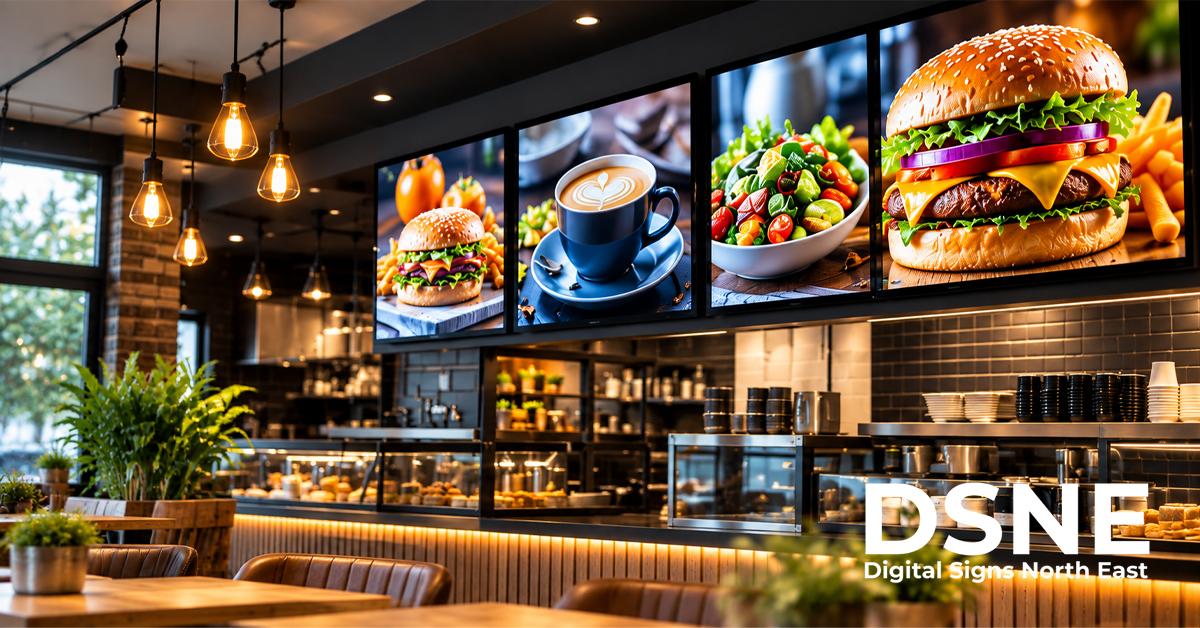
Restaurants and takeaways have their own requirements. If you use screens for food and drink, our digital menu board guide covers practical considerations for choosing the display itself.
Build a simple content calendar
You do not need a complicated publishing operation to keep signage current. A basic calendar can identify seasonal campaigns, product launches, events and offer end dates.
Assign responsibility for checking the screens as well as creating the content. Someone should know when a promotion needs removing and be able to confirm that the correct creative is actually showing.
Use consistent branding without making every slide identical
Colours, typefaces, logo treatment and image style should feel connected to the business. Consistency helps customers recognise who the message is from, but individual campaigns can still have their own hierarchy and imagery.
Keep brand elements from competing with the main message. The screen is there to communicate, not simply to display a large logo.
Check the real screen, not just the artwork
Always review important content on the display in its actual location. Check readability from normal viewing positions, reflections, brightness, image cropping and whether the timing feels comfortable.
This is particularly important for digital window displays, where changing daylight can make a major difference to visibility.
From our experience at Digital Signs North East
Digital Signs North East provides commercial-grade LCD and LED signage for advertising and internal communications, including menu boards, touch screens, freestanding digital posters and outdoor displays. In practice, the content works best when it is planned around the purpose of the screen, the viewing environment and how long people are likely to see each message.
Keeping the message focused and reviewing content on the real display can help businesses spot issues with readability, reflections, cropping and timing before they affect customers.
Digital signage for North East businesses
Digital Signs North East supplies commercial display solutions for businesses across the region, including digital menu boards, window displays and other customer-facing screens. If you are planning a new digital signage installation, get in touch to discuss the screen, location and the way you want customers to interact with your content.