
Digital menu boards can make restaurant and café menus easier to update, but effective design starts with clear information. This practical guide covers layout, photography, pricing and day-to-day content management.
Start with the customer’s decision
A digital menu board should help customers decide what to order, not simply fill a screen with moving graphics. Think about the questions people ask at the counter: what is available, what it costs, what comes with a meal and whether there are suitable alternatives. Organise the display around those decisions. Clear categories and consistent naming are more useful than decorative animations. A customer who can understand the menu quickly is more likely to feel confident when ordering.
Choose a layout that works from a distance
Menu screens are often viewed while people are queuing, walking past or standing several metres away. Use large, legible type and maintain strong contrast between text and background. Avoid placing too many products on one screen. Group related items and give prices a consistent position. Check the display from the actual customer viewing area rather than judging the design only on a computer monitor. If important information is difficult to read from the queue, simplify the layout.
Use photography selectively
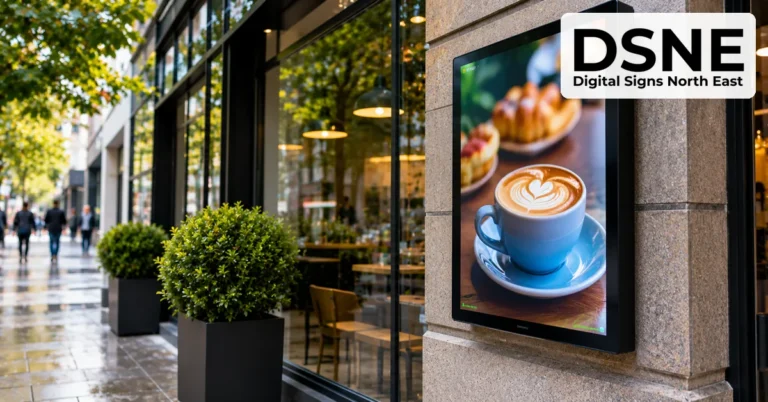
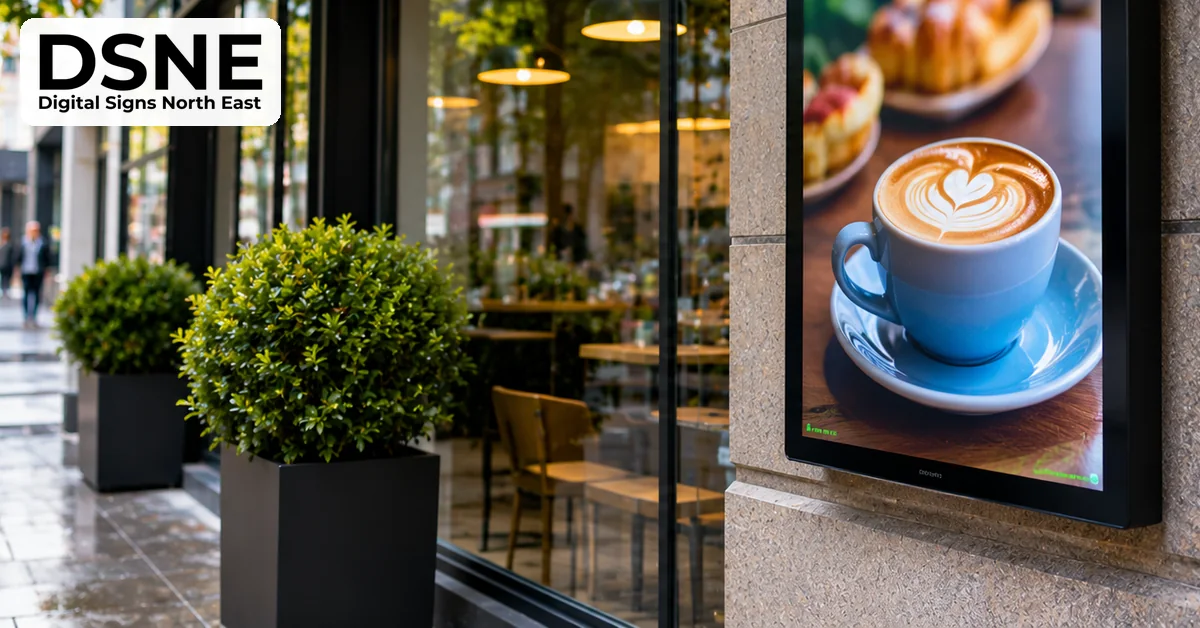
Good food photography can make a signature product appealing, but every menu item does not need a picture. Too many images reduce the space available for descriptions and prices. Use genuine, up-to-date photographs that reflect what customers will receive. Keep lighting and image treatment consistent so the board feels coherent. Avoid stock photographs that show ingredients or portion sizes the business does not offer. The menu should build trust rather than create expectations the kitchen cannot meet.
Keep prices and availability accurate
One of the main advantages of digital menu boards is the ability to update content without reprinting signs. That advantage disappears if prices remain outdated or unavailable products stay on screen. Agree who is responsible for approving changes and how quickly they must appear. Where menus change between breakfast, lunch and evening service, check that schedules match actual opening hours. Build a simple process for removing sold-out items and checking the final display after updates.
Make dietary information easy to find
Customers may need information about allergens, ingredients and dietary suitability before ordering. Digital screens should not replace the business’s established food-information procedures. Use clear, accurate labels where appropriate and direct customers to staff or the approved allergen information source for full details. Avoid vague symbols that could be misunderstood. Review every dietary claim when recipes or suppliers change. A menu that looks attractive but leaves customers uncertain about essential information is not doing its job.
Balance promotions with the main menu
Digital signage makes it easy to highlight a meal deal, seasonal item or limited-time offer. Keep promotions relevant and avoid obscuring core prices or product choices. A small dedicated promotional area may be more effective than a full-screen advert that interrupts the menu while customers are deciding. If a promotion has conditions, make them understandable. Schedule start and end dates carefully, especially for bank holidays or changes to service hours. The display should remain useful throughout the customer journey.
Match the screen to the environment
A screen positioned behind a counter faces different challenges from a display in a sunny shop window. Consider ambient light, reflections, viewing angles and the distance to the audience. Screen size and brightness should suit the actual location. Check ventilation and access for maintenance, and ensure cables and mounts are installed safely. In a busy hospitality setting, cleaning routines and protection from heat or moisture also matter. Choosing suitable hardware supports both readability and long-term reliability.
Plan content management before installation
Decide who will create, approve and publish menu updates. A simple content-management system can help teams maintain consistent templates across one or several locations. Set permissions so authorised staff can change prices without accidentally altering the whole design. Keep a record of major revisions and test scheduled changes in advance. If internet connectivity is interrupted, understand what the screen will show and whether previously published content remains available. A documented fallback prevents blank or misleading displays.
Test the customer experience in real conditions
Before launching, stand where customers normally queue and try to read the menu during a busy period. Ask someone unfamiliar with the business to find a product, identify its price and understand the available options. Check for reflections, clipped text and transitions that move too quickly. Confirm that any rotating content gives people enough time to read it. Revisit the display after installation, because changes in daylight and customer flow can reveal issues that were not obvious during setup.
Measure success and keep improving
A useful digital menu board is not finished on installation day. Review common customer questions, ordering delays and staff feedback. If people repeatedly ask where to find a product or what a deal includes, revise the layout. Track changes carefully so you can distinguish the effect of clearer information from seasonal demand or price changes. Regular content reviews help keep the menu accurate and relevant. For North East hospitality businesses, a well-managed display can support smoother service while presenting a consistent brand experience.
Find out more about Digital Signs North East and digital display solutions for local businesses.