
A digital screen only works when people can read its message in the time they have available. Text size, contrast, viewing distance and layout all matter more than fitting every possible detail onto one slide.
Begin with the viewing environment
A screen beside a reception desk is viewed differently from a display across a shop or a menu board above a counter. Note where people stand, how far away they are and whether they are walking past. Design for the real viewing position rather than judging everything on a laptop screen at arm’s length.
Build a clear type hierarchy
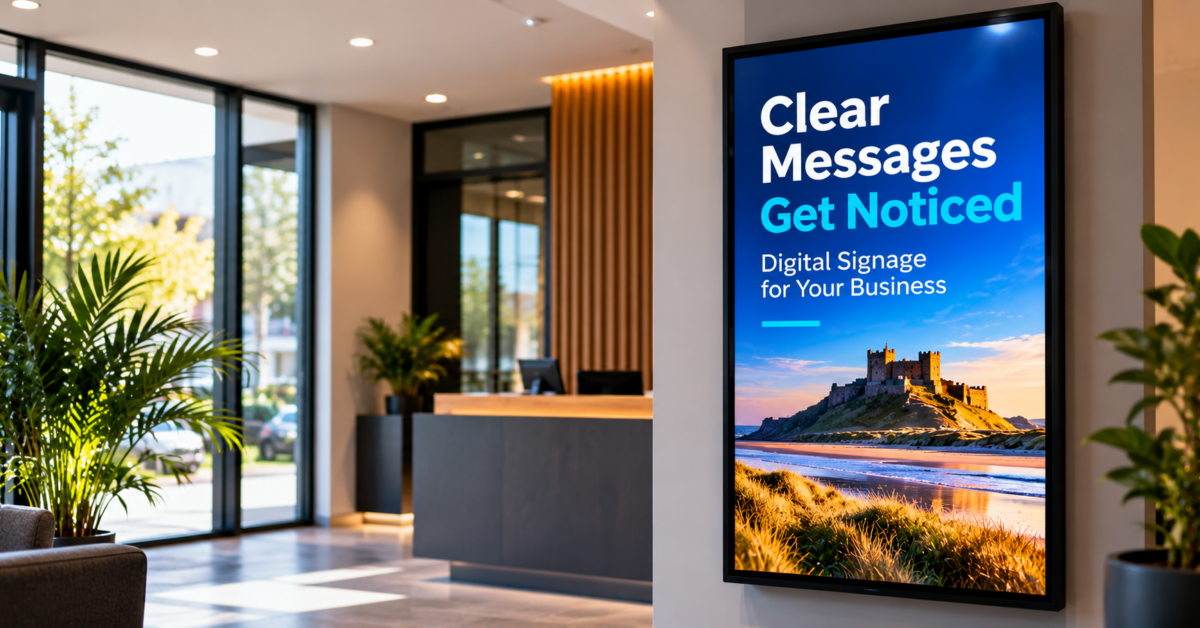
Use a prominent headline, a smaller supporting message and a simple call to action. The headline should communicate the main point even if somebody only glances at the display. Limit the number of type sizes and weights so the eye can identify what matters first. If every sentence is bold, nothing stands out.
Keep copy short enough to scan
Replace paragraphs with concise phrases where possible. A promotion may need a product name, price, essential condition and next step rather than a long description. Break complex information into separate slides when that helps clarity, but do not force viewers to wait through a long playlist to understand an important instruction.
Use contrast thoughtfully
Strong contrast between text and background improves readability. Avoid placing small text directly over detailed photography unless a solid or suitably opaque panel makes it clear. Brand colours are valuable, but they should not reduce legibility. Check the design on the actual screen because brightness and reflections change the result.
Match timing to the amount of information
A slide with a short headline can be understood quickly. A menu with several prices needs more time, while essential directions may need to remain continuously visible. Test whether someone unfamiliar with the content can read the slide comfortably before it changes. Animation should support the message rather than interrupt reading.
Check portrait and landscape separately
Do not simply shrink a landscape layout to fit a portrait display. Reflow headlines, reposition images and check line breaks for the screen orientation. Keep important text away from edges and avoid relying on tiny footnotes to explain the main offer. A dedicated version for each format usually communicates more clearly.
Test and maintain the content
View the finished slide at its intended distance and in normal lighting. Ask someone who has not seen the design to explain the message. Review prices, opening times, offers and contact details regularly so readable content is also accurate. Save an editable source file to make updates straightforward.
A practical action to take today
Create a sample slide using the longest likely headline and smallest essential price or detail. Test it on the installed screen before building the entire playlist, so layout problems are caught early.
A simple readability test for your next slide
Start with a single sentence describing the action you want viewers to take. Put that message in the headline and remove any words that do not help. Add only the supporting details required to make the message accurate, such as a price, date or location. Preview the slide on the intended screen at normal brightness, then stand where a customer would stand. Can you understand the headline at a glance? Can you read the essential detail without moving closer? Is the call to action obvious? Repeat the test with a person who has not helped create the design. If the content is difficult to read, shorten it before shrinking the type. Check accessibility needs too: colour alone should not carry essential meaning, and rapidly flashing elements should be avoided. Finally, record who owns content updates so expired offers are removed promptly.
Keep a short written checklist of your decisions, including any unanswered questions. Revisit it before work begins, confirm the details with the relevant supplier or professional, and update the plan if circumstances change.
From our experience at Digital Signs North East
Digital Signs North East works with commercial LCD and LED displays, advertising screens, touch screens, digital posters and menu boards. In practice, readable content depends on the real installation: screen size, orientation, viewing distance, ambient light and how long people have to absorb the message all affect what works.
A free site survey can help establish those conditions before content is finalised, reducing the risk of artwork that looks fine on a computer but is difficult to read on the installed screen.
Next steps
Planning digital screens for your business? Speak to Digital Signs North East about display options and clear, effective screen content. Visit the website to find out more.